Author: Kai Tanaka | Anime Visual Culture Specialist | 8 Years Covering Jujutsu Kaisen Fandom & Digital Art
You scroll through dozens of anime wallpaper sites, but every image looks blurry or watermarked. A pixelated background on your brand-new phone feels like a waste of a gorgeous display. This guide solves that problem by handing you the sharpest, most detailed sukuna wallpaper options for every screen size and device you own.
What Makes a Great Sukuna Wallpaper Stand Out?
A top-tier sukuna wallpaper captures the raw menace of the King of Curses in every pixel. The best designs pull from iconic moments in Jujutsu Kaisen — Sukuna’s four-armed Heian-era form, his terrifying Malevolent Shrine domain expansion, and his cold smirk while sitting atop Itadori Yuji’s inner world.
Color contrast matters more than you think. Deep crimson reds against pitch-black backgrounds pop on OLED screens and give your device an aggressive, cinematic feel. Fan artists on platforms like Pixiv and ArtStation consistently produce the most striking versions because they understand lighting and composition far better than auto-generated thumbnails.
Resolution separates a wallpaper you love from one you delete after a day. A true sukuna wallpaper in 4K (3840 × 2160) keeps every tattoo line on Sukuna’s face crisp, even on a 27-inch monitor. Anything below 1080p will look muddy on modern displays.
Best Sukuna Wallpaper 4K Options for Crystal-Clear Screens
A sukuna wallpaper 4k file gives you the pixel density your screen deserves. At 3840 × 2160 resolution, you see every detail — the texture of Sukuna’s kimono, the glow of cursed energy around his fingers, and the intricate patterns of his domain expansion barrier.
Look for PNG or high-quality JPEG files sourced from official Jujutsu Kaisen key visuals released by MAPPA studio. Viz Media frequently publishes promotional artwork in ultra-high resolution that fans can download directly from Viz Media’s official Jujutsu Kaisen page. These official releases guarantee color accuracy and zero compression artifacts.
Fan-made 4K versions also shine when the artist upscales original manga panels using tools like Topaz Gigapixel. The result transforms Gege Akutami’s black-and-white ink work into vivid, full-color desktop backgrounds that look hand-painted.
Sukuna Wallpaper iPhone Picks for Lock Screen Perfection
Your iPhone lock screen deserves better than a generic gradient. A sukuna wallpaper iphone edition typically comes in 1170 × 2532 pixels (iPhone 13/14) or 1290 × 2796 pixels (iPhone 15 Pro Max), matching Apple’s exact display ratios.
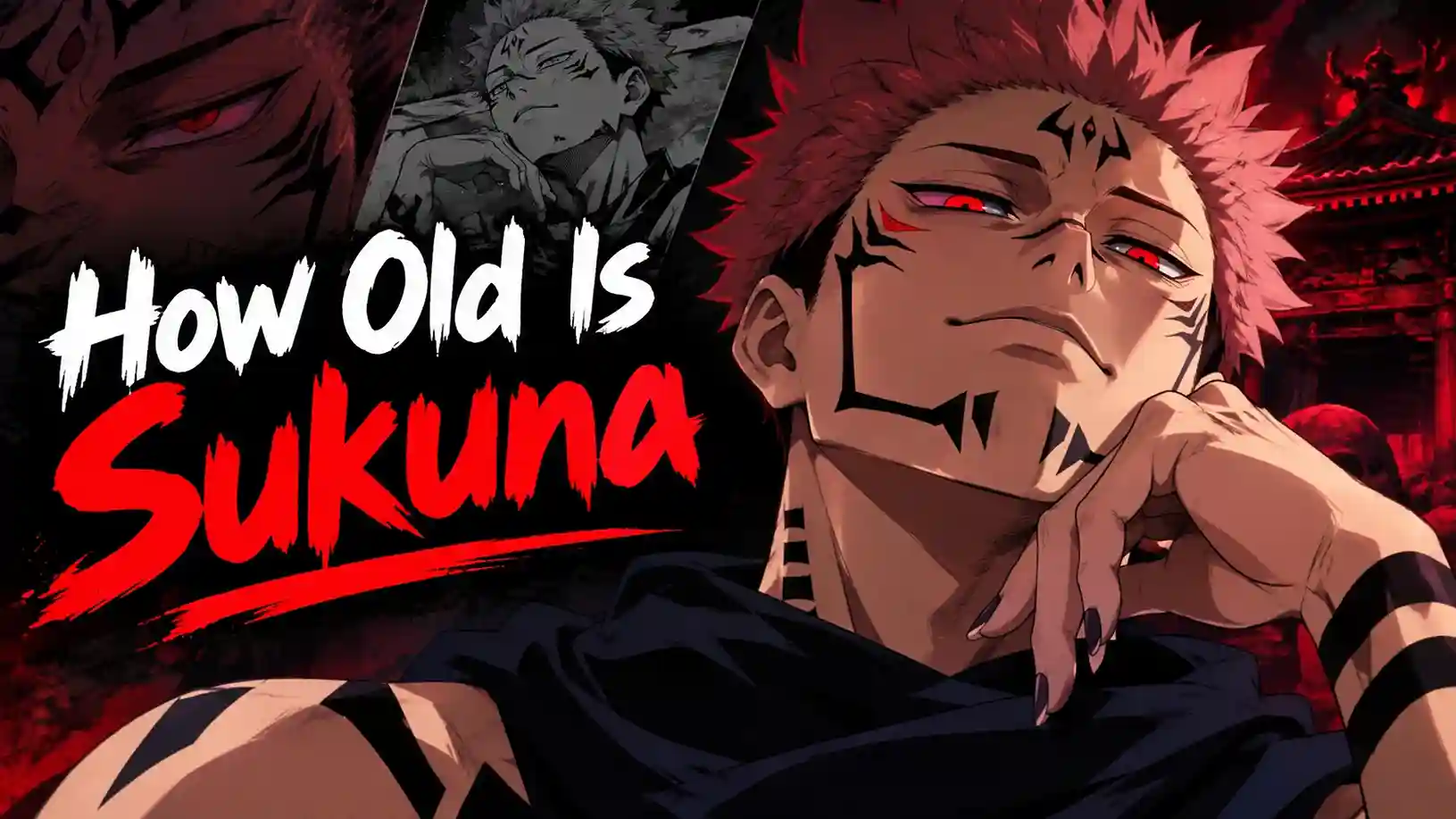
The most popular iPhone designs feature Sukuna’s face in extreme close-up, with his two main eyes glowing and his secondary pair of eyes closed. This vertical composition fills the tall screen perfectly and keeps the clock and notification area readable.
OLED iPhones with dark themes have longer battery lives. A black-background sukuna wallpaper with neon-red cursed energy streaks looks stunning and reduces power consumption by up to 30% compared to bright white designs, according to display testing by Crunchyroll’s editorial team.
Gojo vs Sukuna Wallpaper: The Ultimate Rivalry on Your Screen
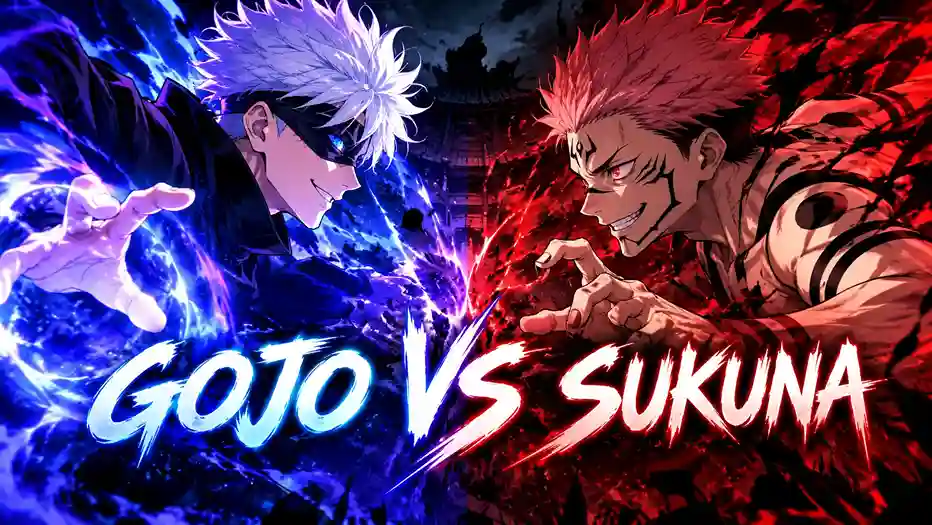
The Shinjuku Showdown arc gave fans the most anticipated battle in modern shonen history. A gojo vs sukuna wallpaper captures that electric tension — Gojo’s Infinity clashing against Sukuna’s World-Cutting Slash in a burst of purple and red energy.
Split-composition designs work best for this theme. The left half shows Gojo’s Six Eyes blazing blue, while the right half displays Sukuna’s demonic grin bathed in crimson. The center collision point creates a natural focal draw that looks incredible on ultrawide monitors.
These dual-character wallpapers also make fantastic lock screens for tablets. The wider canvas gives both characters room to breathe, and the contrasting color palettes prevent the image from looking cluttered on larger displays.
King Sukuna Wallpaper Designs That Command Attention
A king sukuna wallpaper focuses on Sukuna in his true Heian-era form — four arms, two faces, and an aura of absolute dominance. This version of the character radiates power, and the best artwork reflects that through dramatic low-angle perspectives and overwhelming scale.
Top designs place Sukuna on a throne of skulls or standing above a burning cityscape. The color palette leans heavily into gold, black, and deep red, evoking the imperial authority of Japan’s Heian period. These wallpapers pair beautifully with dark-mode UI themes on both Android and iOS.
Fans who follow MyAnimeList’s Jujutsu Kaisen community page often share curated king sukuna collections during major arc releases. Bookmarking these community threads gives you early access to fresh artwork before it floods generic wallpaper apps.
Ryomen Sukuna Wallpaper Featuring the Heian-Era Curse
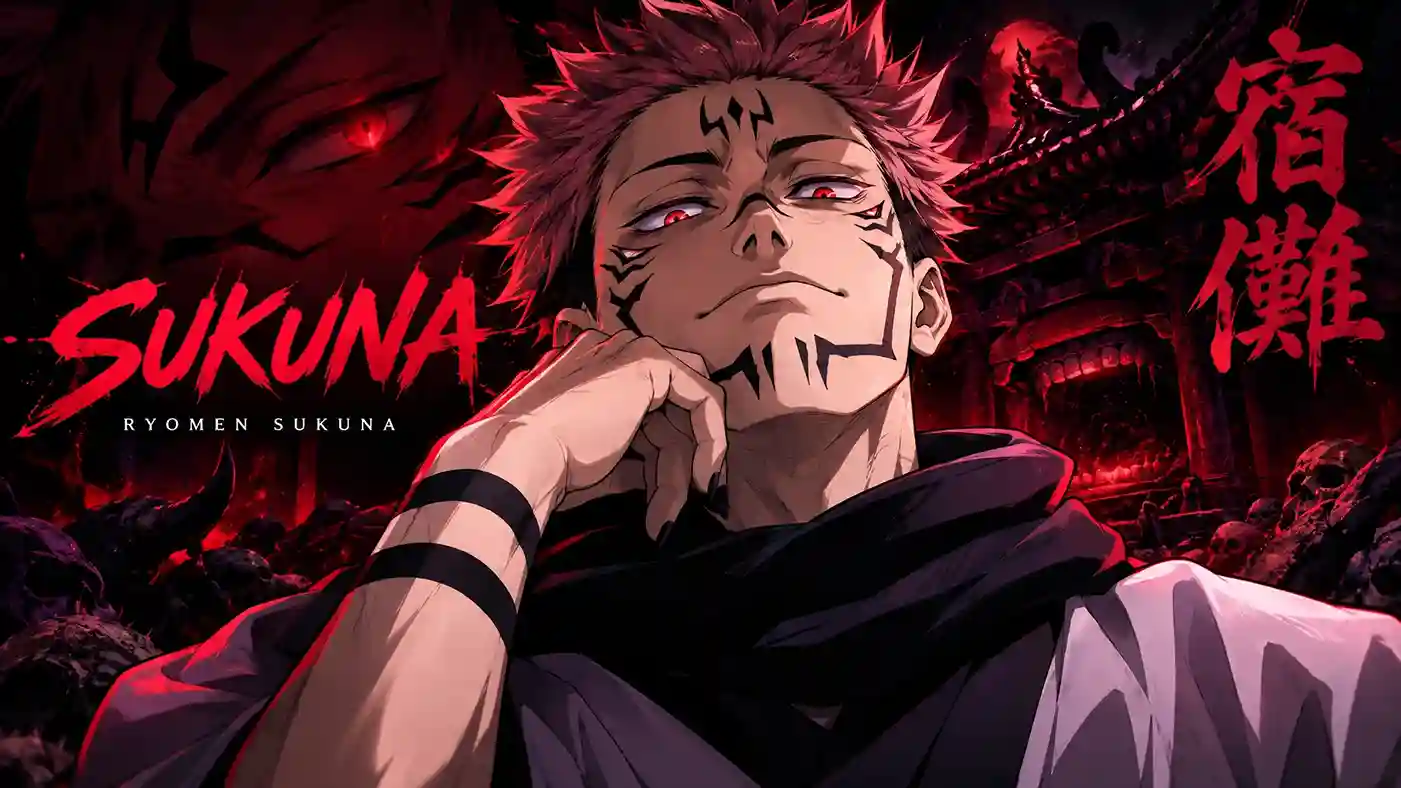
A ryomen sukuna wallpaper highlights the character’s mythological roots. In Japanese folklore, Ryomen Sukuna was a two-faced, four-armed demon from the Hida region. Gege Akutami reimagined this legend as the undisputed strongest cursed spirit in the Jujutsu Kaisen universe.
The most authentic ryomen designs incorporate traditional Japanese art elements — ukiyo-e wave patterns, calligraphic brush strokes, and woodblock-print textures. These stylistic choices connect the wallpaper to real cultural history and give it a timeless quality that generic anime art lacks.
Look for versions that depict all twenty of Sukuna’s cursed fingers scattered across the background. This subtle detail rewards observant fans and adds narrative depth to what might otherwise be a simple character portrait.
Sukuna Wallpaper PC Setups for Anime Fans
A sukuna wallpaper pc version needs to fill a 16:9 or 21:9 monitor without stretching or cropping. Standard 1920 × 1080 works for most laptops, but desktop users with 2560 × 1440 or 3440 × 1440 ultrawide screens should hunt for matching aspect ratios.
Desktop wallpapers benefit from “negative space” designs. These place Sukuna off-center — usually in the lower-right corner — leaving the upper-left area clean for desktop icons and widgets. This practical layout keeps your workspace organized without sacrificing visual impact.
For animated options, Wallpaper Engine on Steam hosts thousands of user-created Jujutsu Kaisen backgrounds. You can find versions where cursed energy particles drift across the screen or Sukuna’s Malevolent Shrine slowly materializes behind him.
Sukuna Wallpaper 4K Phone Versions You Need Right Now
A sukuna wallpaper 4k phone file delivers desktop-quality sharpness on a pocket-sized screen. Modern flagship phones from Samsung, Google, and Apple pack displays with 500+ pixels per inch, meaning a 4K source image will look razor-sharp even when you zoom in.
Vertical 4K files (2160 × 3840) work best for phones. This orientation prevents the image from cropping awkwardly and ensures Sukuna’s full figure fits within the screen boundaries. Avoid landscape 4K files unless you plan to rotate your phone frequently.
Battery-conscious users should pick AMOLED-optimized versions with true black (#000000) backgrounds. These wallpapers turn off individual pixels on OLED panels, extending battery life while making Sukuna’s red markings glow with extra intensity.
Gojo and Sukuna Wallpaper Combos for Dual-Character Fans
A gojo and sukuna wallpaper celebrates the complex dynamic between the series’ two strongest sorcerers. Unlike “vs” designs that emphasize conflict, combo wallpapers often show the characters back-to-back or mirrored, suggesting their parallel roles as overwhelming forces.
Color theory plays a huge role here. Gojo’s cool blues and whites contrast naturally with Sukuna’s warm reds and blacks. The best artists use this split palette to create visual harmony rather than chaos, making the wallpaper easy to look at for months without fatigue.
These dual-character designs also make excellent gifts for Jujutsu Kaisen fans. Printing a high-resolution gojo and sukuna wallpaper on a mousepad or desk mat turns a digital image into a physical collectible.
Sukuna Wallpaper GIF Collections for Animated Backgrounds
A sukuna wallpaper gif adds motion to your screen and brings the character’s cursed energy to life. Animated versions typically loop a 3-5 second clip of Sukuna activating his domain expansion, unleashing a Dismantle slash, or simply opening his eyes with a menacing glare.
Android users can set GIF wallpapers natively through most launcher apps. iPhone users need a workaround — convert the GIF to a Live Photo using apps like intoLive, then assign it as a lock screen wallpaper. The animation plays when you press and hold the screen.
Keep file sizes under 15 MB to avoid draining your battery. High-frame-rate GIFs look smoother but consume significantly more processing power. A 15-fps loop strikes the right balance between fluid motion and device performance.
How to Download and Set Your Sukuna Wallpaper Correctly
Getting the image is only half the battle. Setting it properly ensures the wallpaper looks exactly as the artist intended. Follow these steps for the best results:
- Download the highest resolution available. Always choose 4K or above, even for phone screens. Downscaling a large image preserves detail, while upscaling a small one creates blur.
- Check the aspect ratio. Match the file to your device — 9:19.5 for most phones, 16:9 for laptops, 21:9 for ultrawide monitors.
- Use lossless formats when possible. PNG files retain more detail than compressed JPEGs, especially in dark areas with subtle gradients.
- Disable “perspective zoom” on iPhones. This feature crops and shifts the image when you tilt your phone, which distorts carefully composed artwork.
- Set separate lock and home screen wallpapers. A detailed sukuna wallpaper works great on the lock screen, while a simpler, darker version keeps your home screen icons readable.
Sukuna Wallpaper Comparison Table: Device, Resolution, and Style
| Wallpaper Type | Best Device | Ideal Resolution | Aspect Ratio | File Format | Style Theme |
| sukuna wallpaper 4k | Desktop Monitor | 3840 × 2160 | 16:9 | PNG / JPEG | Heian-era full body |
| sukuna wallpaper iphone | iPhone 14/15 | 1290 × 2796 | 9:19.5 | PNG / HEIC | Close-up face, dark BG |
| sukuna wallpaper 4k phone | Samsung Galaxy S24 | 1440 × 3120 | 9:19.5 | PNG / JPEG | Cursed energy burst |
| sukuna wallpaper pc | Gaming PC / Laptop | 2560 × 1440 | 16:9 | PNG / BMP | Domain expansion scene |
| gojo vs sukuna wallpaper | Ultrawide Monitor | 3440 × 1440 | 21:9 | PNG / JPEG | Split battle composition |
| king sukuna wallpaper | Desktop / Tablet | 3840 × 2160 | 16:9 / 4:3 | PNG | Throne / four-arm form |
| ryomen sukuna wallpaper | Any Device | 2560 × 1440+ | Varies | PNG | Ukiyo-e / folklore style |
| gojo and sukuna wallpaper | Desktop / Phone | 3840 × 2160 | 16:9 / 9:19.5 | PNG / JPEG | Back-to-back mirror |
| sukuna wallpaper gif | Android / iPhone | 1080 × 1920 | 9:16 | GIF / MP4 | Domain expansion loop |
Frequently Asked Questions
Where can I download a free sukuna wallpaper in high quality?
Official sources like Viz Media and Crunchyroll release promotional artwork in high resolution at no cost. Fan art platforms such as Pixiv, ArtStation, and DeviantArt also host thousands of free downloads. Always check the artist’s usage permissions before redistributing their work.
What resolution works best for a sukuna wallpaper on iPhone?
Use 1290 × 2796 pixels for iPhone 15 Pro Max or 1179 × 2556 pixels for iPhone 15. Matching your exact model’s native resolution prevents unwanted cropping and keeps the image sharp from edge to edge.
Can I use a sukuna wallpaper gif as a live wallpaper?
Yes. Android users can set GIF files directly through most launcher apps. iPhone users should convert the GIF to a Live Photo using the intoLive app, then apply it as a lock screen wallpaper. Keep the file under 15 MB for smooth performance.
Which sukuna wallpaper style is most popular among fans?
Close-up portraits featuring Sukuna’s glowing eyes and facial tattoos consistently rank as the most downloaded style. Dark backgrounds with red cursed energy accents dominate fan polls on MyAnimeList and Reddit’s r/JuJutsuKaisen community.
How do I set a gojo vs sukuna wallpaper on my PC?
Right-click your desktop, select “Personalize,” then click “Background.” Choose “Picture” and browse to your downloaded file. For ultrawide monitors, select “Fill” or “Span” as the fit option to avoid black bars on the sides.
Are ryomen sukuna wallpaper designs safe to download?
Stick to trusted platforms like official publisher sites, verified artist portfolios on ArtStation, and well-known wallpaper apps like Zedge or Backdrops. Avoid random pop-up download links on unverified sites, as these often bundle malware with image files.